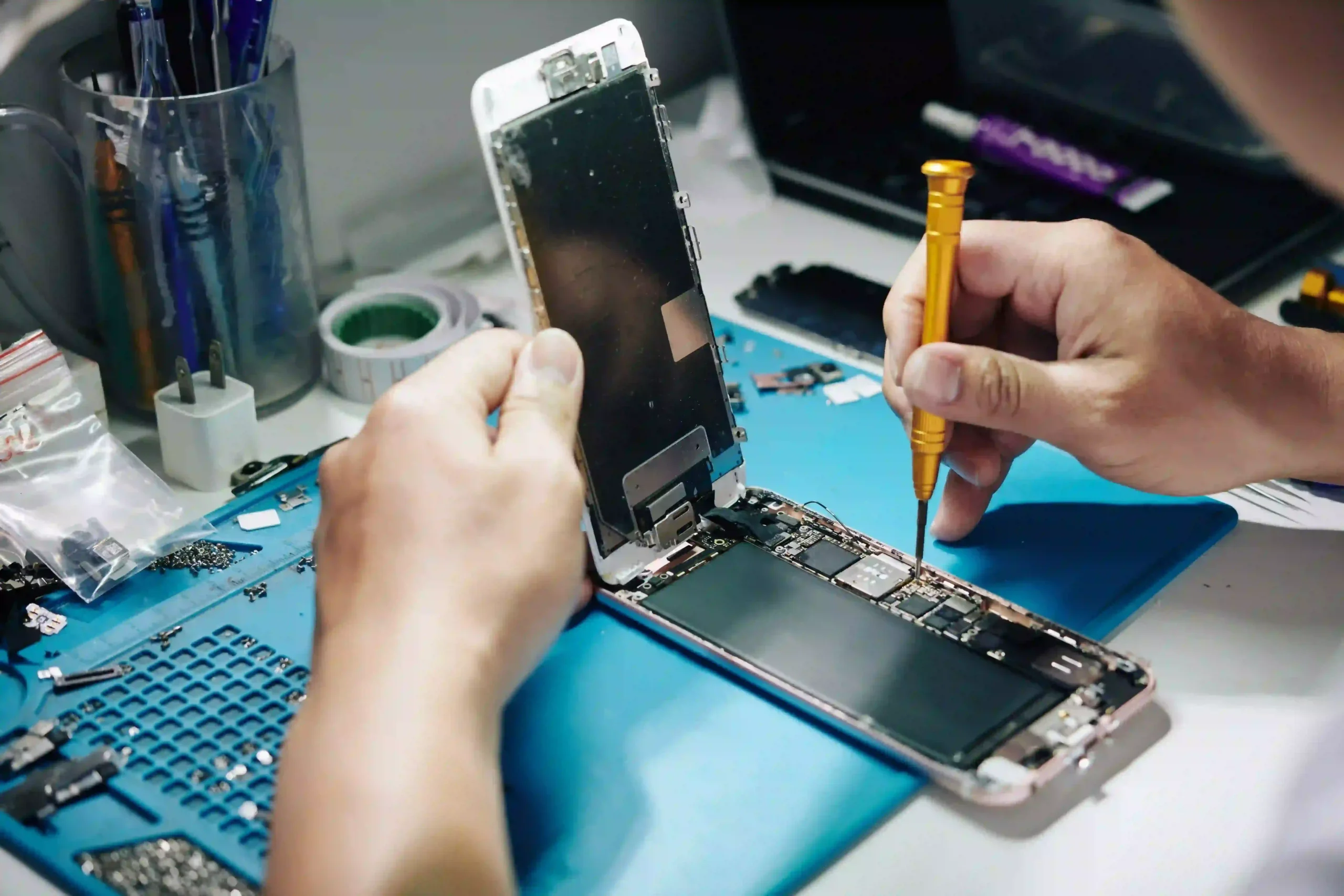
When you get an android phone repair, especially after a battery replacement, calibrating the new battery is crucial. Many users experience sudden drops in charge or inaccurate battery readings. This happens because the phone’s software doesn’t immediately sync with the new hardware. Calibrating the battery helps reset the connection, leading to a longer lifespan, more accurate readings, and better overall performance.
This blog will guide you through the simple steps to calibrate your phone’s battery effectively after an android phone repair.
Why Battery Calibration Matters After an Android Phone Repair
Battery calibration improves the accuracy of your phone’s power management system. After an android phone repair, your device might misread the new battery’s actual charge level. This can cause issues like unexpected shutdowns, poor standby time, and even overheating. By calibrating the battery, you help your phone’s system relearn the new battery’s full capacity.
Benefits of calibration include:
- Accurate battery percentage readings
- Smoother charging and discharging cycles
- Prevention of unexpected shutdowns
- Extended battery life
- Improved performance after an android phone repair
Step-by-Step Guide for Android Phone Repair Battery Calibration
Here is a simple, step-by-step guide to calibrating your battery.
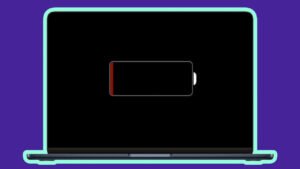
Step 1: Fully Discharge the Battery
Use your phone until the battery drains completely. Continue using it until it shuts down by itself. Do not charge it midway. The goal is to let the phone reach 0% charge.
Step 2: Leave the Phone Powered Off
Once the phone turns off, leave it powered down for at least two hours. This step ensures the battery truly reaches its lowest possible charge point.
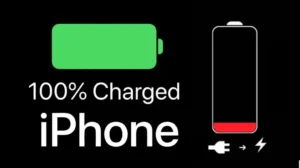
Step 3: Fully Charge the Phone
Connect your phone to the charger and allow it to charge to 100% without any interruptions. Do not turn the phone on during this time. Keep it plugged in until the battery indicator shows a full charge.
Step 4: Restart and Recheck
After the phone reaches 100%, turn it on. If it does not show a full charge, plug it back in and continue charging until it does. This synchronizes the operating system with the battery.
Step 5: Repeat If Needed
If you still notice inaccurate readings after the first cycle, repeat the calibration process one more time.
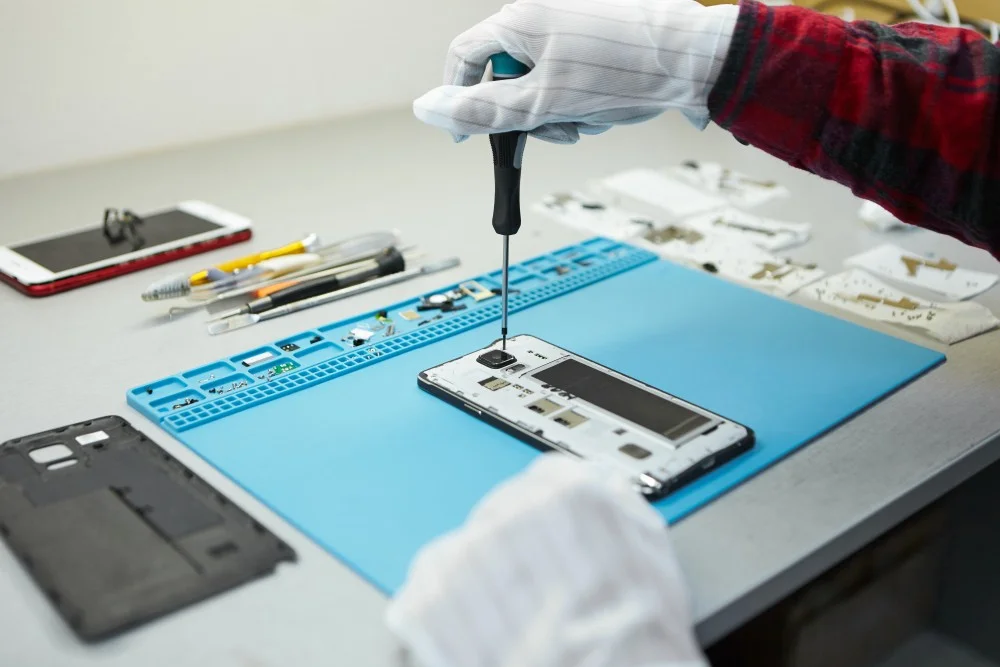
Common Issues After an Android Phone Repair
Even after calibration, some problems can continue. Let’s look at common issues across popular brands.
Huawei Phone Repair and Battery Problems
After a Huawei phone repair, users often report fast battery drain. This usually happens due to background apps. While calibration helps, you should also check for system updates and optimize your settings.
Xiaomi Phone Repair and Battery Misreadings
A Xiaomi phone repair can sometimes lead to incorrect battery percentages. The phone may jump from 20% to 5% instantly. Proper calibration usually solves this issue.
Oppo Phone Repair and Charging Speed
Customers who have had an Oppo phone repair often experience slow charging or overheating. While calibration improves battery accuracy, using the original charger also matters.
Realme Phone Repair and Sudden Shutdowns
After a Realme phone repair, sudden shutdowns are common. This occurs because the system is not aligned with the battery’s true power. Calibration and software updates help reduce this problem.
Tips to Maintain Battery Health After Android Phone Repair
After an android phone repair and calibration, follow these tips for long-term battery health:
- Avoid charging the battery overnight.
- Keep the charge between 20% and 80% for daily use.
- Use only original or certified chargers.
- Avoid high temperatures, as heat reduces battery life.
- Update your phone software regularly.
Fast, Reliable Phone, Tablet, & iPad Repairs
Our skilled technicians handle everything from cracked screens to complex hardware issues with precision. Enjoy hassle-free service, affordable pricing, and repairs you can trust every time.
At FAST MANTNACE MOBILE PHONES REPAIR, we specialize in fast and reliable services. Our expert technicians handle all types of android phone repair. Whether you need a Huawei phone repair, a Xiaomi phone repair, an Oppo phone repair, or a Realme phone repair, we ensure professional results. Our fast service, fair prices, and trusted expertise make us the right choice for all your mobile repair needs.
Conclusion
Battery calibration after an android phone repair is a simple yet essential process. It ensures accurate charge readings, extends battery life, and improves your device’s performance. Whether you own a Huawei, Xiaomi, Oppo, or Realme phone, proper calibration helps you enjoy your repaired phone without battery issues. Always follow the steps carefully and trust professional repair services like FAST MANTNACE MOBILE PHONES REPAIR for lasting results.